Fast Upload/Download
File transfers may be handled with optimized speed, depending on network conditions and file size.
Easily Modify Plan
Users may update or adjust their storage plan based on changing needs.

You may get faster

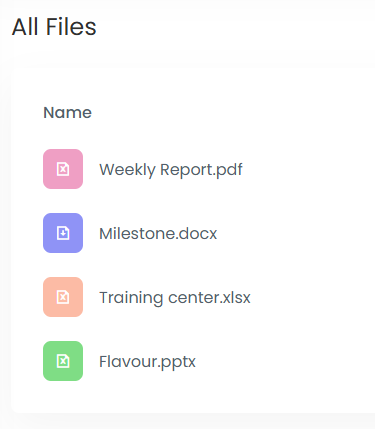
Organize and manage files in a structured way that may help users keep their digital content arranged and easier to locate when needed.
File transfers may be handled with optimized speed, depending on network conditions and file size.
Users may update or adjust their storage plan based on changing needs.
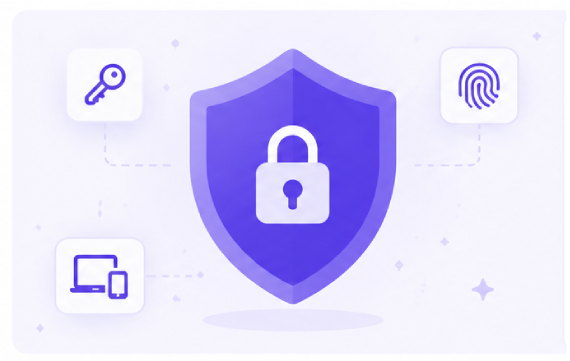
Files and access points may be protected using password-based security measures that could help limit unauthorized access and support safer data handling practices.
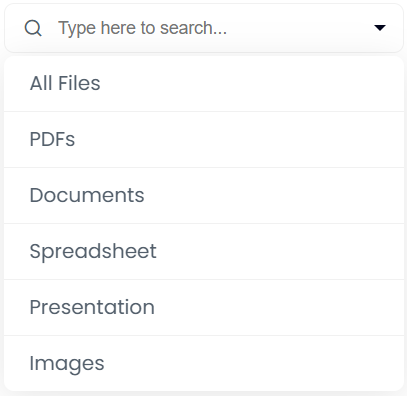
Search functionality that may allow users to locate files across their storage space by using keywords, names, or other identifiable file details.

A variety of storage options may be available to accommodate different file management preferences and evolving storage requirements.
Built-in organization tools could help users arrange, categorize, and locate files more efficiently within their storage space.
Stored files may be accessible through a centralized platform, helping users manage and review content whenever needed.
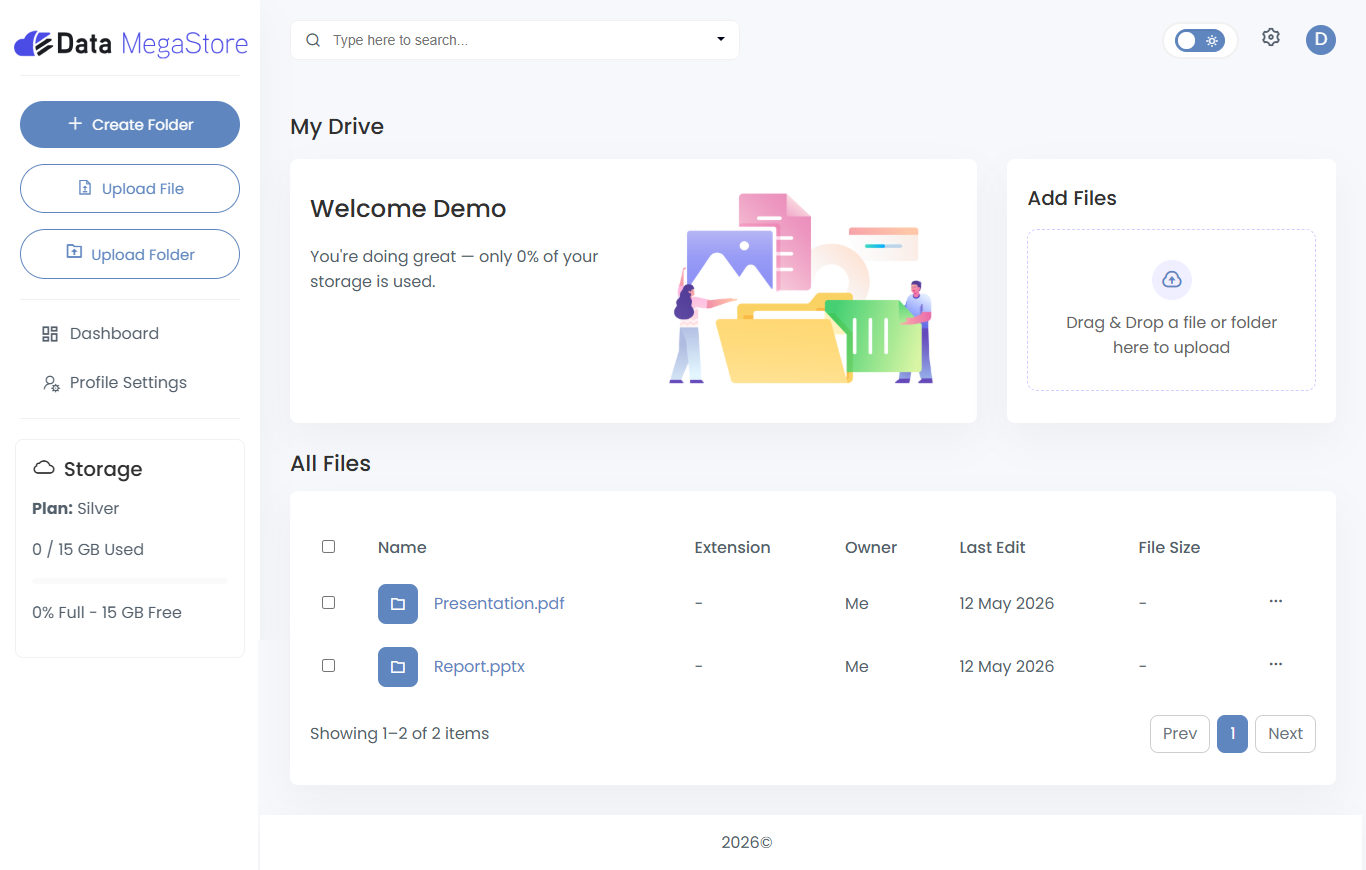
No complex onboarding or lengthy tutorials. Just a few simple actions to get started and begin organizing your files with effortless ease.
Sign up to create an account that may give you access to basic storage features and informations.
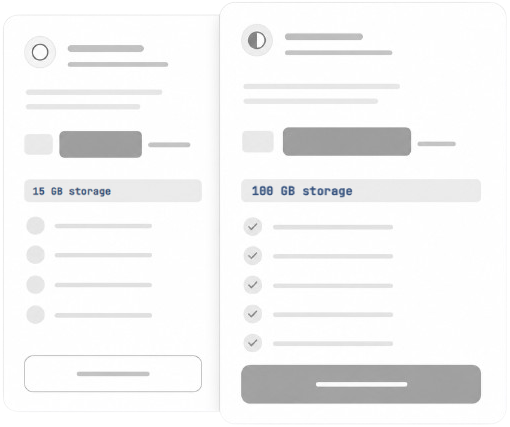
Select a plan that may align with your storage needs and everyday usage preferences.
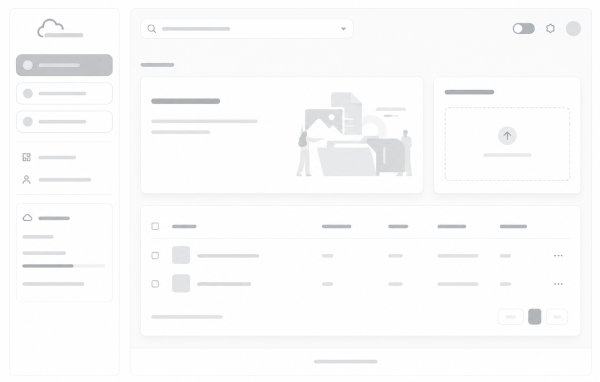
Access a dashboard that may help you manage files, settings, and storage options in one place.
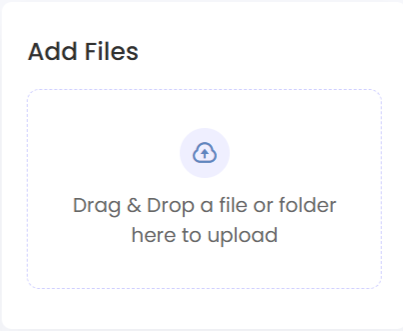
Drop files and arrange them in folders that may help keep your content structured and easier to access.
Users may store a variety of file types, including documents, images, videos, audio files, archives, and other digital content. Supported file types may vary depending on available features and the selected storage plan.
No. Access to files is controlled through system features and user-defined settings. Our data handling practices are designed to support privacy within the platform environment, and encryption measures are implemented to help protect your content.
If your storage limit is reached, may you will be notified within the platform. You may choose to upgrade your plan or free up space to continue uploading new files. Existing files will remain accessible within your account.
Plan changes may made at any time. Existing files remain accessible based on your account status and the terms of your selected plan. Upgrades typically take effect promptly, while downgrades may require your usage to align with the limits of the new plan.
Security measures may be in place to help protect stored data, though the level of protection can depend on system configurations and user practices.
The storage options may be explored by individuals, teams, or businesses depending on their workflow and file management preferences.
Discover storage plans that may help support your everyday file organization and accessibility needs.